Volunteers’ Week is just around the corner! With that in mind, how do you currently recognise your volunteers’ contributions? If you’re looking to improve your volunteer engagement, TeamKinetic’s versatile badge system is a great way to reward and recognise volunteers, validate their training and skills and guide them towards the most suitable roles.
Badges and reward pathways introduce gamification to volunteering, making it a driving force in volunteer retention. Using automated reward pathways ensures that no milestone is missed and volunteers are recognised at each stage of their journey.
Different Badges in TeamKinetic:
Achievement Badges
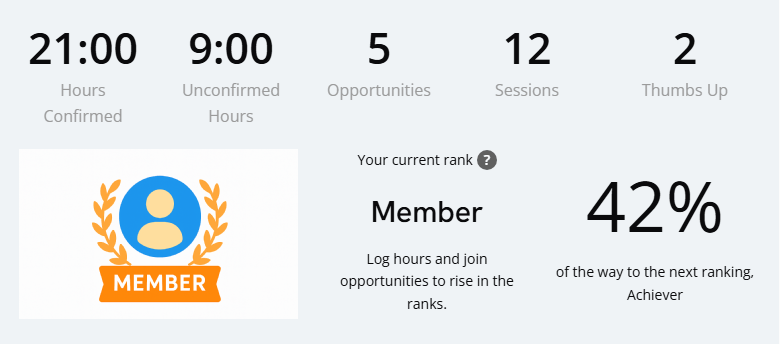
These badges provide a linear reward pathway, allowing the volunteer dashboard to become a Trophy Case.
Once a badge is earned, it’s featured prominently on the volunteers’ dashboard and is downloadable via their achievement record, which they can take onto future opportunities.
Customisation is the key here! Whilst TeamKinetic provides a default set of badges, you can redesign these badges, change their name and alter the hour count required to achieve each level.
Introducing a VMS shouldn’t mean a personal touch is lost, and badges are a great way to add your own flair.
If you’re stuck for ideas, think of any emblems associated with your organisation and incorporate them into the design!
Award Badges
Custom Award Badges allow you to get really creative with how you recognise volunteers.
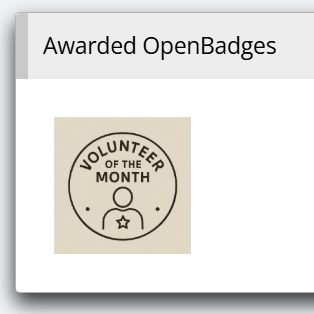
Here you can design and upload Open Badges to record details around skills and achievements. Or you can upload your own designs to recognise Long Service, Volunteer of the month or other awards specific to your organisation.
Similar to Achievement Badges, Award Badges also appear on the volunteers’ dashboard and form part of their achievement record.
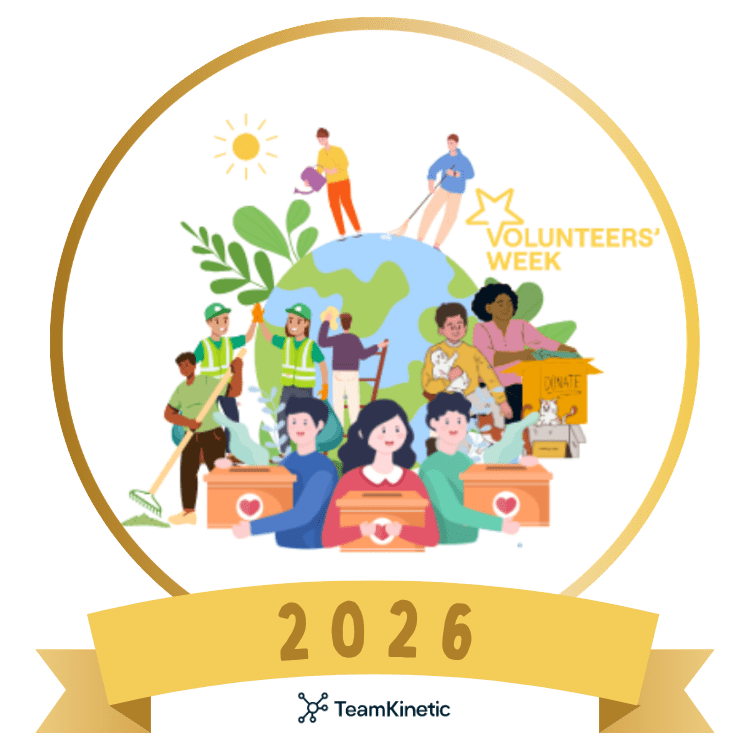
As part of the celebrations, we’ve created this custom TeamKinetic 2026 Volunteers’ Week Recognition Badge that anyone can use to recognise their volunteers between the 1st and 7th June.
Creating a custom badge like this from your organisation is a super simple way to show your volunteers that they’re appreciated.
Opportunity Badges:
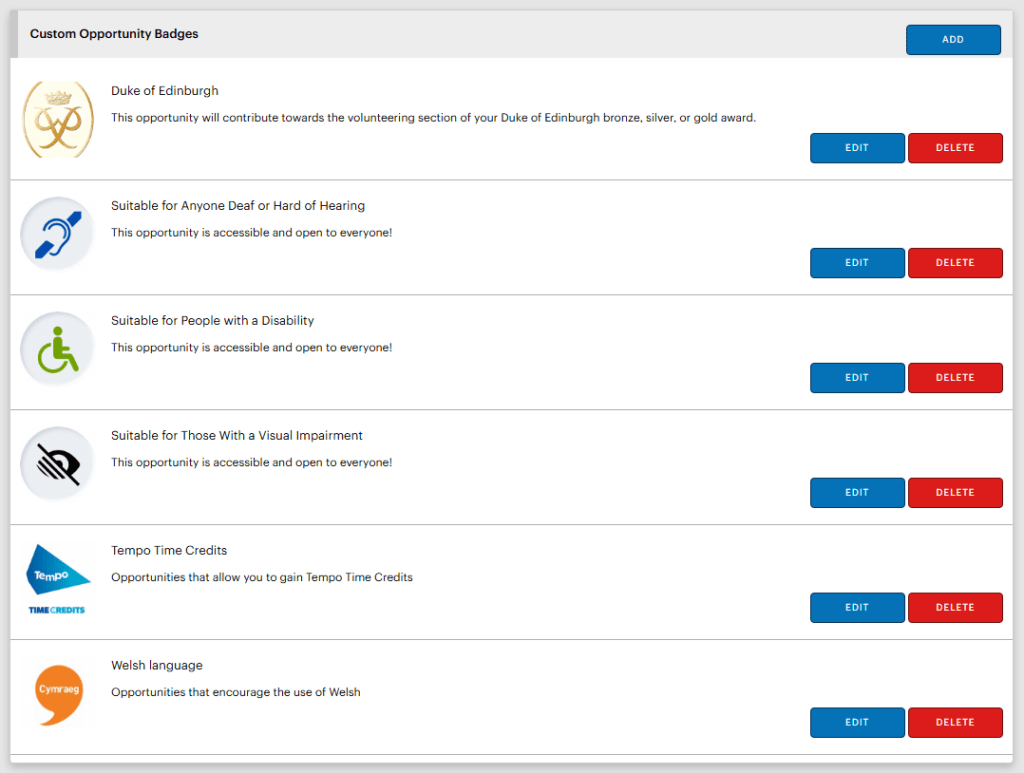
Badges are not only given to people; they are also used as fully customisable visual indicators attached to specific volunteering roles.
Administrators can tag opportunities with badges such as “Great for Corporate Teams”, “Micro Volunteering”, or “Suitable for Duke of Edinburgh Awards.” These visual cues allow volunteers to search for opportunities more fluidly and select their preferences more easily.
The TeamKinetic badge system helps you reward every effort, from major milestones to micro-volunteering tasks.
We challenge you to get inventive with your badge designs and reward pathways for Volunteers Week. The more personal and specific the recognition, the more valued your volunteers will feel!
Learn more about Reward and Recognition
On Wednesday 3rd June, Steve will be leading a Masterclass on volunteer reward and recognition within TeamKinetic. We’ll be showing you all the top tips to get you into the swing of things with Volunteers’ Week!
TeamKinetic users can book now for free via their system: Help & Support → Masterclasses & Training.
Digital in Volunteering Community of Practice
The CoP also has a lot of great resources for volunteer managers looking for tips on reward and recognition. A webinar back in September 2025 took a deep dive into all about the different ways you can say thank you to your volunteers. We heard from speakers from Volunteer Glasgow, Tempo, and Tickets for Good. You can read all about this session and watch the recording back here (membership is completely free).
The Digital in Volunteering Toolkit also contains a whole chapter about reward and recognition, which you can also access here.
Access Resources for Volunteers Week
The official Volunteers Week website has an array of great resources. Including materials for engaging with the campaign online, hosting events (both virtual and in person), top tips, and much more. Access these here.
The Volunteers’ Week Padlet
They’ve created a Padlet – a collaborative online pinboard where you can share and explore inspiring stories, photos, and messages of appreciation related to volunteering.
Whether you’re highlighting your own volunteering journey or thanking someone who’s made a difference, the Padlet is the perfect space to celebrate the incredible impact volunteers make every day.
Share your experiences now. Help them build a vibrant wall of gratitude and celebration!
Find TeamKinetic on socials: