
TeamKinetic News and Events
First things first, we’re very happy to announce we’re close to hitting 5 million hours logged via TeamKinetic! This is an incredible stat, and we’re very proud to have facilitated volunteering for all our users over the years. Here’s to 5 million more!
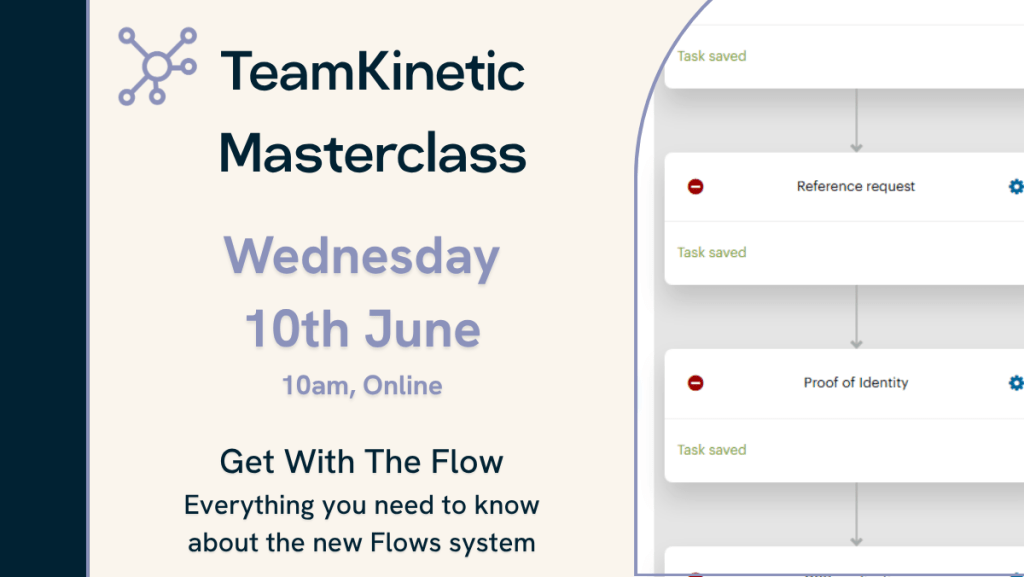
Our next Masterclass: Get with the Flow
Have you started using Flows yet?
In case you missed it, Flows are replacing Roles within the TeamKinetic system. Flows can help you speed up onboarding, inductions, and qualification checks.
Join us on this masterclass to learn everything you need to know about Flows. You’ll be able to ask questions to the Team directly, and start putting what you learn into action quickly to make your TeamKinetic processes more efficient.
You can book onto all Masterclasses now via your system (Help & Support → Masterclasses & Training).
We’re always looking for new topics to cover in these Masterclasses. If there’s anything regarding the TeamKinetic system that you’re not quite sure on, you can suggest it via email, live chat or support ticket, and we’ll add it to our list of topics to cover.
You can also watch all past Masterclasses via the TeamKinetic YouTube channel.
Have you discovered everything the new update has to offer?
We released a huge new update to TeamKinetic in April, including headline features: Flows, Multiple Location Opportunities, and Volunteer ‘Find a Friend’, among a lot of little behind-the-scenes improvements.
We hosted a launch Masterclass for this update, where Rolf went through these big features and what you need to know about them. You can catch the recording here:
But what are these features?
Flows allow you to create a step-by-step process to speed up things like onboarding, inductions, and qualification checks for your volunteers. Read more on Flows here.
Multi-Location Opportunities are what they suggest – an opportunity that can be done from more than one place. You can now house unlimited locations under one single opportunity. Read more on Multi-Location Opportunities here.
Volunteer ‘Find a Friend’ allows volunteers to see who else is signed up for an opportunity. There are a few controls around this:
- If you go to your Super Admin Settings → Options → Opportunities (and scroll to the bottom), you’ll see a few options that let you turn this on/off, specify what information is shown, and set when it is shown.
- You can turn it on/off on an opportunity-by-opportunity basis.
- Volunteers can opt in or out of sharing their own information.
The next Digital in Volunteering – Community of Practice events for your calendar…
The next CoP events have been confirmed, and they’re all completely free!
Digital for Flexibility – Volunteer Experience (23 July)
This session will explore: Reducing friction in the volunteer journey by offering potential improvements you can make to your volunteer onboarding processes. Book now.
Building Digital That Doesn’t Exclude (29 October)
This session will explore how to embed accessibility, trust and fairness into all your digital processes. Book now.
Read more about all these events on the Community of Practice website.
Join the Digital in Volunteering Community of Practice for free to unlock full access to a range of great resources, including the Digital in Volunteering Toolkit and all past event recordings.
Other stories:
Leave a Reply